Barcode & Label Printing

Professional Barcode & Label Printing for Your Warehouse

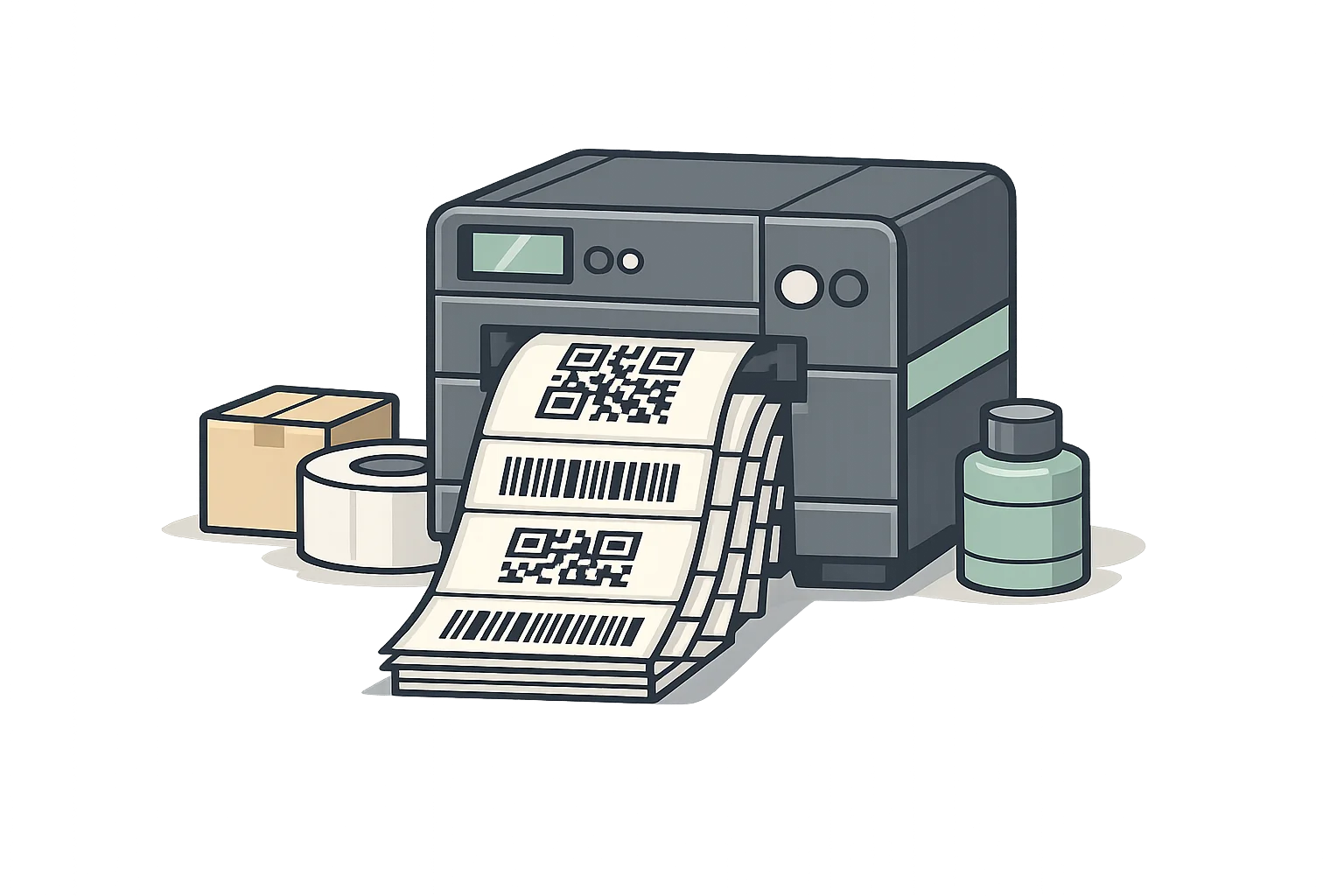
Print item, lot and work-order labels with barcodes, plus shipping labels and packing slips, straight from your inventory records. Print from the browser, or send jobs to PrintNode and thermal station printers.

Barcode and label printing software showing barcode generation and inventory label design

Complete Barcode & Label Printing Capabilities

Everything you need to create, print, and manage labels across your warehouse operations

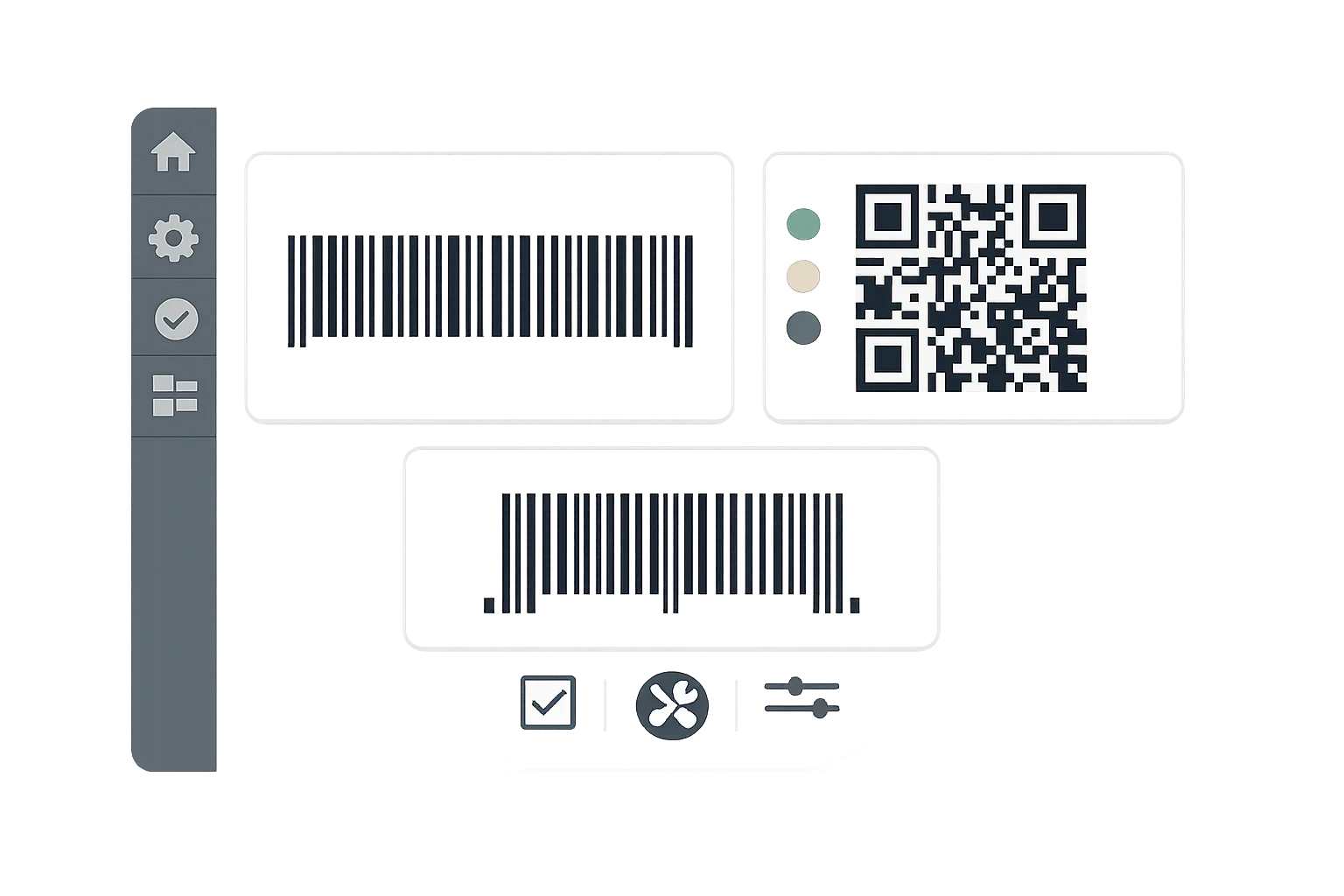
Barcode generation interface showing Code 128, QR codes, and UPC barcode formats

Barcode Generation

Add Code 128 and QR barcodes to any label or document template, encoded from your lot numbers, part numbers or SKUs. Product label templates also support UPC-A.

  • Code 128 and QR codes
  • UPC-A on product labels
  • Barcodes from lot number, part number or SKU
  • Automatic lot numbers with a per-type prefix
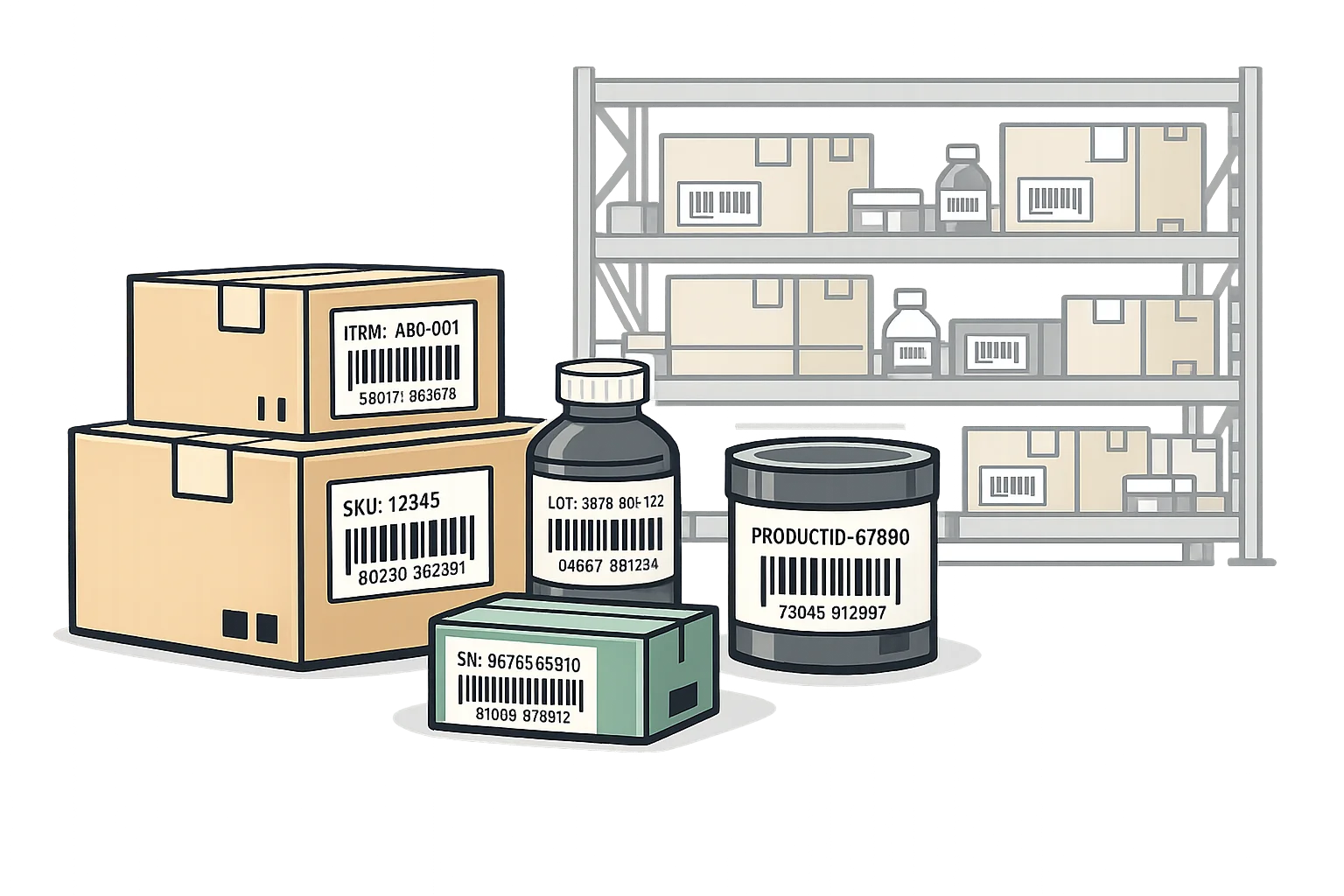
Product and inventory labels with barcodes on warehouse boxes and containers

Product & Inventory Labels

Print item and lot labels with barcodes, lot numbers, expiration dates and quantities. Label received materials and finished goods from receiving, lots and work-order output.

  • Customizable label templates
  • Include lot numbers and expiration dates
  • Supplier lot, PO, work order and location fields
  • Bulk label printing

Shipping Labels

Buy and print shipping labels from FedEx, UPS, USPS and DHL, directly or through EasyPost. Print packing slips and customs documentation alongside them.

  • Carrier-integrated label printing
  • Packing slip generation
  • Bulk label and packing slip printing
  • Customs forms and commercial invoices

Printer Integration

Print from the browser to any printer, or send jobs straight to printers through PrintNode or a station agent. Thermal printers get labels converted to ZPL at 203, 300 or 600 DPI.

  • Zebra and other ZPL thermal printers
  • Standard desktop printer compatibility
  • PrintNode and station-agent printing
  • Printers assigned by role: documents, shipping labels, item tags, packing slips

Print at the Right Step

Print item and lot labels from the receiving screen, with the label count worked out from the quantity received. Shipping labels can print automatically at the packing station when they are purchased.

  • Print from receiving, lots and work-order output
  • Label count from the quantity received
  • Auto-print shipping labels on purchase
  • Packing slips merged with shipping labels

Why Manufacturers Choose Fiddle for Label Printing

Reduce errors, speed up operations, and improve inventory accuracy with integrated barcode labeling

Fewer Data Entry Errors

Barcoded lot and part numbers cut down on hand-typed mistakes. Purchase order receiving accepts a handheld scanner to find the line to receive.

Labels Match Your Records

Labels print from the same lot, purchase order and work order records Fiddle tracks, so what is on the shelf matches what is in the system.

Streamlined Receiving

Print labels right from the receiving screen so every lot is tracked from the moment it arrives.

Complete Inventory Visibility

Every labeled item is tracked in real-time. Know exactly what you have and where it is located at any moment.

Regulatory Compliance

Support lot-level traceability for FDA and FSMA recordkeeping with labels that carry lot numbers and expiration dates.

Reduced Labor Costs

Label counts come from the quantity received and shipping labels can print automatically, so less time goes into labeling.

Ready to Streamline Your Label Printing?

See how Fiddle's barcode and label printing can improve your warehouse efficiency. Schedule a personalized demo today.