Sales Orders

Every order, from quote to fulfilled

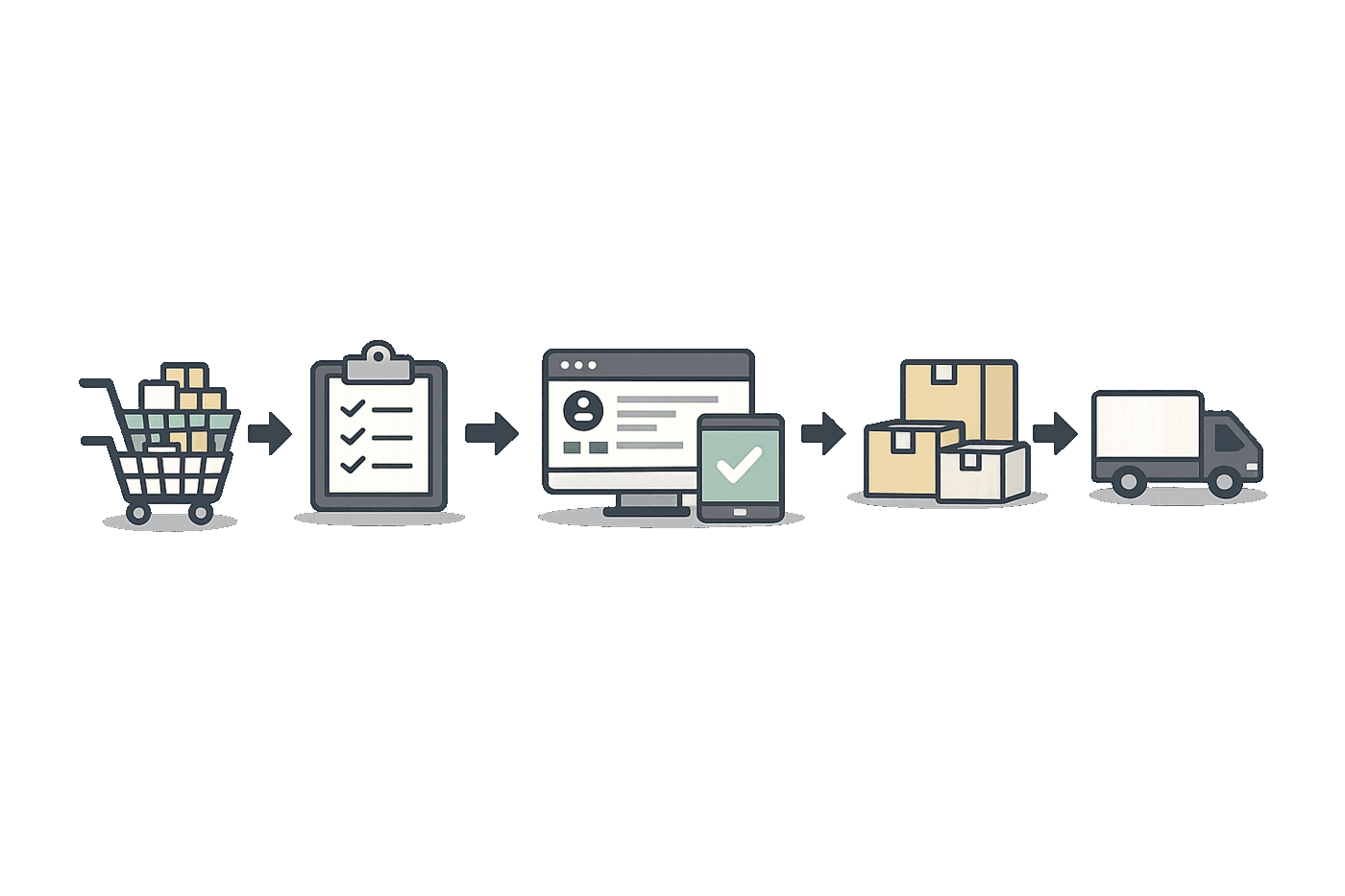
Create orders in seconds with live inventory, track every item on the sale, and watch each order move through a drag-and-drop pipeline — from new order to shipped.

  • Build orders in seconds with live stock, so you never oversell
  • A drag-and-drop pipeline showing exactly where every order stands
  • Convert sales orders straight into work orders or fulfillment
Order #SO-3007
Ready to ship
Drag-and-drop pipeline
See every order's stage
Live stock at order time
No overselling
Item-level tracking
Every line on the sale
Order to production
Convert SOs to work orders
Why Fiddle

Order management that keeps up

From the first quote to the final shipment, without the spreadsheets.

Create orders in seconds

Add a customer, add items, and choose a date — your sales order is ready in a flash. Everything lives in the cloud, so you can pick up an order from anywhere.

Track every item

Each order tracks every item used to build the sale, so you can see what's included and what's missing at a glance. No more spreadsheets and crossed fingers.

One pipeline, full visibility

See every order on a drag-and-drop board with simple customization and actions you can take from the card. This is not your run-of-the-mill pipeline view.

Customers in one place

Keep contact details, shipping addresses, per-customer pricing, and order history together. Build stronger relationships with better data behind every order.

Always know the status

Follow every order through each stage from new to shipped, with visual status indicators that tell you exactly where each one stands.

Work from anywhere

Your sales orders live in the cloud, so your team can access and update them from anywhere, anytime.

Capabilities

Built for the whole order lifecycle

Quote, confirm, build, and ship — every order in one view.

View all features

Quick order creation

Create sales orders in seconds with smart defaults

Live inventory at order time

See available stock as you build the order, so you never oversell

Item-level tracking

Track every item used to build the sale

Drag-and-drop pipeline

Visual board with easy status updates

Customer database & pricing

Manage customers, addresses, and per-customer pricing

Order status tracking

Follow every order from new through shipped

Convert to work order

Turn a sales order into a build with one step

Convert to fulfillment

Hand orders straight to pick, pack, and ship

Multi-channel orders

Bring orders from your channels into one queue

Documents on the order

Keep POs, artwork, and notes with the order

In the wild

How teams sell with Fiddle

Real order workflows across the industries we serve.

Wholesale

B2B Order Management

A wholesale distributor manages hundreds of B2B orders daily with customized pricing per customer and automated order tracking through fulfillment.

Less time spent on every order
Food & Beverage

Multi-Channel Sales

A food brand manages sales orders from retailers, distributors, and direct customers in one unified system with lot-level tracking.

Complete order traceability
Consumer Goods

Seasonal Order Management

A consumer goods company manages seasonal spikes with order prioritization and delivery scheduling to meet retailer requirements.

Reliable on-time delivery
Manufacturing

Made-to-Order Production

A manufacturer converts sales orders directly into work orders, tracking materials from sales commitment through production.

Seamless order-to-production
E-commerce

Multi-channel order sync

A D2C brand pulls orders from its online channels into one queue, with inventory checked in real time so it never sells what it cannot ship.

One queue, zero overselling
Beauty & Cosmetics

Allocations and backorders

A cosmetics brand allocates limited stock across orders and tracks backorders cleanly, so customers know exactly what is shipping and when.

Clear commitments on every order
FAQ

Sales order questions, answered

The details teams ask about before they switch.
How quickly can I create a sales order?

You can create sales orders in just seconds. Add customers, add items, choose a delivery date, and you're done. Fiddle stores everything in the cloud, so you can access your orders from anywhere.

Can I see all items included in a sales order?

Yes! Each sales order tracks every item used to build the sale. You can track each item effortlessly and see what's missing at a glance. No more spreadsheet tracking or hoping you haven't missed anything.

What is the drag-and-drop workflow?

Fiddle provides a unified view of your orders with a visual pipeline. You can drag and drop orders between stages, customize the view, and take action directly from the board. It's a modern approach to order management.

Can I manage customer information in Fiddle?

Absolutely. Fiddle includes a complete customer database where you can manage contact information, shipping addresses, custom pricing, and order history for each customer.

How does sales order tracking work with inventory?

Sales orders in Fiddle are fully integrated with inventory. When you create an order, you can see available stock in real-time. When orders are fulfilled, inventory is automatically updated.

Can I turn a sales order into a work order?

Yes. If an order needs to be produced, you can convert a sales order straight into a work order, carrying the items through so production knows exactly what to build.

Do sales orders update inventory automatically?

Yes. Sales orders are integrated with inventory: you see available stock as you create an order, and fulfilling it depletes stock automatically — keeping everything accurate.

Can I manage orders from multiple sales channels?

Yes. Fiddle brings orders from your connected channels into a single queue, so your team works every order — wholesale, D2C, and more — from one place.

Give every order a clear path

See how Fiddle helps you create orders faster, track every item, and move each one from new to shipped.